Done-for-you SOP writing · sopdone.co
Your firm's processes, written down — without you writing them.
You explain each process once — voice note, screen recording, or rough notes — and get back finished SOP documents your team can actually follow. No templates to fill in yourself.
Inside a finished SOP — the document itself, in the hero
SOP: Client onboarding — one of the full samples on this page, shown in full below before you order.
- Purpose — why this process exists
- Trigger — when it runs
- Owner role — who is responsible
- Steps, in order — as the firm described them
- Exceptions + escalation — what happens when it does not go to plan
- One-page checklist version — the same SOP, usable at the desk
Delivered as editable DOCX + PDF. Read the full sample documents below →
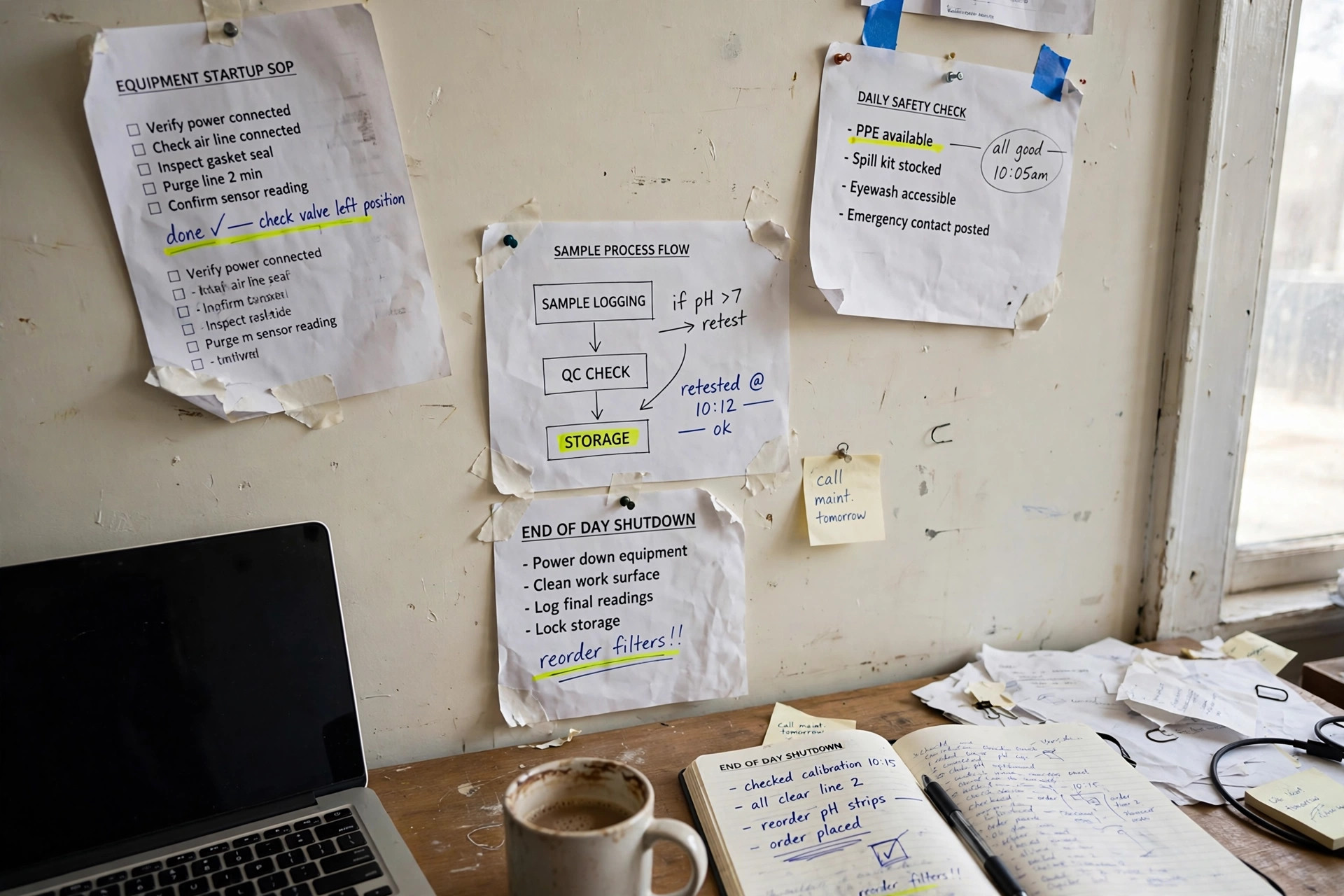
DEMO VIDEO — What a finished SOP contains
DEMO / SAMPLE — not client work, not real results. Purpose, trigger, owner role, steps in order, exceptions and escalation — plus a one-page checklist version. SAMPLE format only, fictional firm.
Sample SOP — see the format before you buy
View a SAMPLE SOP: client onboarding (fictional-firm sample)
A fictional-firm sample pack is available so you can judge the format before you buy. Real client SOPs are never shared or reused. This sample follows the exact structure of every finished SOP on this page; its steps illustrate the format for one workflow area (client onboarding) and are not any real firm's process — a real SOP is built only from the process its client described, and SOPDone never invents a step the client didn't describe.
SOP: Client onboarding
Purpose — why this process exists: to bring a new client on board the same way every time, so nothing is missed between agreement and first delivery.
Trigger — when it runs: when a new client agreement is confirmed.
Owner role — who is responsible: the team member assigned as onboarding owner for that client.
Step-by-step procedure
- Confirm the new client's details from the intake information supplied by the firm.
- Record the agreed scope, start date, and main contact in the firm's client record.
- Send the welcome message and the list of items needed from the client.
- Log each item as it arrives; chase once for anything still outstanding.
- Confirm the file is complete, then hand over to the delivery owner with a short handover note.
- File the completed onboarding checklist with the client record.
Roles / responsibilities — onboarding owner runs the steps above; delivery owner confirms receipt at handover.
Exceptions + escalation — if required items do not arrive, the onboarding owner flags the gap to the firm owner instead of guessing; if the scope does not match the agreement, work pauses until the firm owner confirms.
One-page checklist version (same SOP, usable at the desk)
- ☐ Details confirmed from intake information
- ☐ Scope, start date, and main contact recorded
- ☐ Welcome message + items-needed list sent
- ☐ Outstanding items chased once
- ☐ File confirmed complete and handed over
- ☐ Checklist filed with the client record
Delivered as editable DOCX + PDF, in the firm's branding if supplied — as with every SOP on this page.
The full sample pack, shown in full — SAMPLE, fictional firm “Harbor Bookkeeping”
Workflow: client onboarding (sample — 2 of 5 SOPs shown in full in the sample pack; a real Starter Pack contains 5). This is a sample SOP pack for a fictional firm, created to show the SOPDone format. It is not a real client’s documentation, and no process below describes a real business.
SOP 1 — Send the welcome email and portal invitation
- Purpose: Get a new client into the firm’s systems on day one, without back-and-forth.
- Trigger: The day a client signs an engagement letter.
- Owner: Office manager (role only, fictional).
- Tools: CRM, document portal, email (tool names only — no logins in any SOP).
Steps:
- Confirm the signed engagement letter is filed in the CRM.
- Send the welcome email template, including the document-portal invitation link.
- Create the client file in the CRM with the agreed service list.
- Log the send date in the CRM onboarding checklist.
Done looks like: Welcome email sent, portal invitation accepted or pending with a logged date, client file created.
Exceptions: If the client does not accept the portal invitation within 3 days, call them (do not just re-email). If the email bounces, verify the address with the client contact before resending.
Checklist version: ☐ Engagement letter filed ☐ Welcome email sent ☐ Portal invitation sent ☐ Client file created ☐ Send date logged
SOP 2 — Collect opening documents
- Purpose: Gather everything needed to start work, in one request, so nothing is chased twice.
- Trigger: Welcome email sent (SOP 1 complete).
- Owner: Bookkeeper (role only, fictional).
- Tools: Document portal, email, prior-year return file.
Steps:
- Send the opening-documents request list via the portal (bank statements, prior-year returns, payroll details, as applicable to the fictional client).
- Log requested items and dates in the CRM checklist.
- On receipt, check each document opens and matches the requested period; file it in the client folder.
- If an item is missing after 5 business days, send one reminder, then escalate to the office manager.
Done looks like: All requested items received and filed, or missing items logged with an escalation note.
Exceptions: If a document is for the wrong period, ask the client for the correct period — do not guess or proceed on the wrong file. Never request a client’s password.
Checklist version: ☐ Request list sent ☐ Items logged ☐ Documents checked + filed ☐ Missing items reminded/escalated
What a full Starter Pack contains
5 SOPs on one workflow, each in this format (purpose, trigger, owner, steps, exceptions, checklist version), delivered as editable DOCX + PDF, in the client’s branding if supplied.
What this sample is NOT: This sample does not certify anything. A real SOPDone pack documents only the process the client described, and never invents a step the client did not supply. If the client’s materials are ambiguous, SOPDone flags the gap and asks.
The intake questions shown alongside this sample
These are the 6 questions every process needs answered — in the voice note, recording or notes — from the homework brief that every buyer receives. The sample above was built by answering them for a fictional firm:
- Process name — for example, “Month-end close for a new bookkeeping client.”
- Trigger — When does this run? (For example, “On the 1st of every month” / “Whenever a new client signs.”)
- Owner — Whose job is this? (Role, not a person’s name, if you prefer — for example, “Bookkeeper” / “Office manager.”)
- Tools used — Which software, logins-by-name-only (never send passwords), templates, or checklists?
- Steps, in order — What happens first, second, third? Include the small steps you do without thinking — a new hire won’t know them.
- Done + exceptions — What does “finished” look like? What goes wrong most often, and what should the person do then (or who do they escalate to)?
Intake method reminder, from the same brief: pick one method per process — a 5–15 minute voice note, a screen recording walking through the task, or rough notes or an existing messy document. Do not send passwords, client names, or client financial data.
On testimonials — plainly
SOPDone does not post testimonials, review scores, or client results it has not earned, and it does not borrow anyone else’s. The samples above are the proof on offer: judge the format, the structure, and the checklist version — not invented praise. When real clients choose to share their experience, it will appear here in their own words, with their permission.
Pricing
Starter Pack
$199
5 SOPs, one workflow, 1 revision, 5 business days from completed intake. Intro price $149 for the first 10 packs.
Single SOP
$49
1 SOP, 1 revision, 3 business days from completed intake.
Growth Pack
$399
10 SOPs, up to 2 workflows, 2 revisions, 7 business days from completed intake.
| Pack | Price | What it covers | Intake method | Delivery format | Revisions | Delivery days |
|---|---|---|---|---|---|---|
| Single SOP | $49 | 1 SOP | Voice note, screen recording, or rough notes — one method per process | Editable DOCX + PDF | 1 revision round | 3 business days from completed intake |
| Starter Pack | $199 (intro $149 for the first 10 packs) | 5 SOPs, one workflow | Voice note, screen recording, or rough notes — one method per process | Editable DOCX + PDF, in your branding if supplied | 1 revision round | 5 business days from completed intake |
| Growth Pack | $399 | 10 SOPs, up to 2 workflows | Voice note, screen recording, or rough notes — one method per process | Editable DOCX + PDF, in your branding if supplied | 2 revision rounds | 7 business days from completed intake |
A revision round means one consolidated list of corrections, addressed in one pass. Delivery days count from completed intake materials — the homework — not from payment, for every pack in the table.
One workflow per Starter Pack — for example, client onboarding or month-end close. A Starter Pack is 5 SOPs covering one workflow area, not 5 unrelated SOPs.
What a finished SOP contains
Not a blank template. A document built from the process you described, in the order you actually run it.
Every SOP comes with a one-page checklist version, delivered as editable DOCX + PDF — in your firm's branding if you supply it, with screenshots included where you supplied a screen recording.
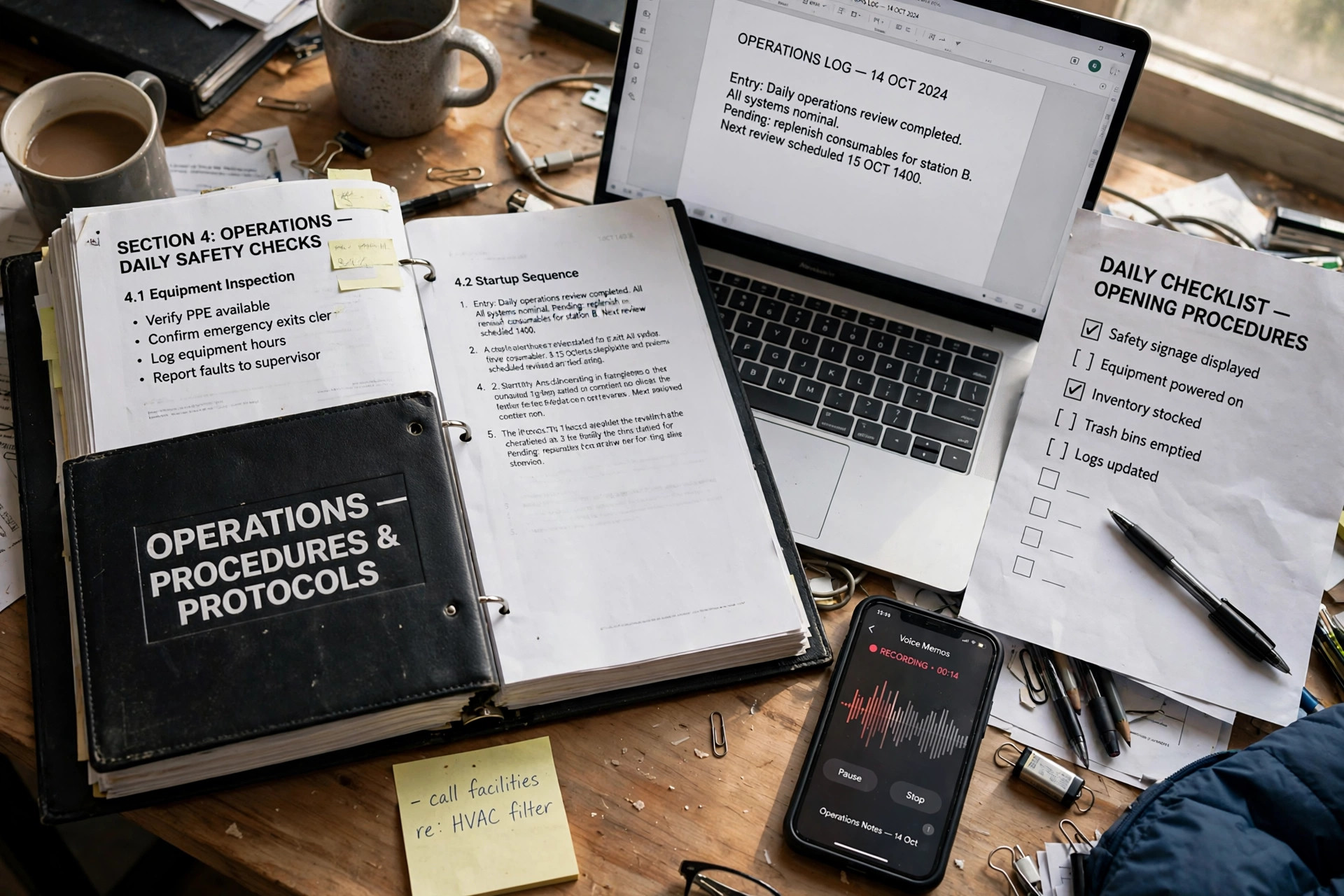
Inside each SOP
- Purpose — why this process exists
- Trigger — when it runs
- Owner role — who is responsible
- Step-by-step procedure — in order, as you described it
- Roles / responsibilities
- Exceptions + escalation — what happens when it doesn't go to plan
- One-page checklist version — the same SOP, usable at the desk
Sample format: a fictional-firm sample pack is available so you can judge the format before you buy. Real client SOPs are never shared or reused, and your SOPs are never published as samples.
About the samples on this page: every sample on this page is labelled as a sample, and every sample is fictional-firm work only. Real client SOPs are never shared, never reused for another client, and never published as samples.
Done-for-you, compared by category
| Question | SOPDone — done-for-you | Template pack | SOP software | AI draft |
|---|---|---|---|---|
| Who writes the SOP? | SOPDone writes the finished document from the process you describe | You — the pack gives you blank templates to fill in yourself | You — the software gives you a place to write and store documents yourself | A generated draft, which you then have to check, correct and finish yourself |
| What you supply | A voice note, a screen recording, or rough notes per process — no writing required from you | All of the writing, in the template’s format | All of the writing, inside the tool | Prompts and source material, plus your own review of what comes back |
| What you receive | Finished SOPs: purpose, trigger, owner, steps, exceptions and a one-page checklist version per SOP | Empty structure — the content is still yours to produce | A workspace for documents — the documents themselves are still yours to produce | Draft text — structure, accuracy and completeness are yours to verify |
| Format | Editable DOCX + PDF, in your branding if supplied | Whatever format the pack is sold in | Documents held inside that software | Whatever format you export or copy the draft into |
| If something is unclear | SOPDone flags the gap and asks — it never invents a step you did not describe | The template cannot flag it — there is no reader | The software cannot flag it — there is no reader | A draft may fill a gap without flagging it — checking for that is yours |
Samples on this page are labelled samples. That labelling is the honesty rule for this page, restated plainly in the sample section below and wherever a sample appears.
How it works

After you order
After you submit the intake form, reply to your order email with your voice notes, recordings or notes. SOPDone then confirms intake is complete — or tells you exactly what is missing. The delivery clock starts at that confirmation, not at payment. If a file is too large to email, reply and SOPDone will send an upload link.
The clock rule (important)
Delivery days count from completed homework, not from payment. SOPDone chases once a day (max 3 chases). Homework not complete within 7 days of payment is refunded minus a $49 admin hold.
Plain version: a paid pack only becomes writable once your process notes arrive. If you pay but never send them, nothing can be written — and the order expires under the rule above rather than sitting in a queue.
What's NOT included
Process consulting, compliance or ISO certification, legal or HR-policy drafting, and staff training. SOPDone documents the process you run — it never invents a step you didn't describe. Regulated-industry SOPs that carry legal weight (for example, pharma/medical-device quality documentation) are out of scope and will be declined.
If your materials are ambiguous, SOPDone flags the gap and asks — it never fills it with a plausible guess.
Refund / cancel terms
Full refund before writing starts. Homework not complete within 7 days of payment (after up to 3 chases) is refunded minus a $49 admin hold. Once writing has started, refunds are case by case: under $50 automatic, $50+ escalated to the owner. No refund is due where the delivered SOPs match the process materials you supplied.
Who this is for
Small agencies (marketing, bookkeeping, virtual-assistant, property-management) with 5–30 staff, where the owner is still the operating manual. Bookkeeping firms are a strong fit: month-end close, client onboarding, and payroll checklists document cleanly. Also owner-operated service firms hiring their first 2–3 staff.
Who this is NOT for
Firms needing certified or ISO-compliant documentation; firms that cannot describe any process at all ("we just wing it" — that needs consulting, not documentation); single-person firms with no team to hand SOPs to.
Frequently asked questions
Do I have to write anything?
No writing — talk it through on a voice note or record your screen. Rough is fine.
What if my process is messy?
That's the point. Send the messy version; SOPDone turns it into a clean, ordered document and flags anything ambiguous instead of guessing.
Is my firm's information kept private?
Yes. Your SOPs are never reused for another client or published as samples.
Do you certify our SOPs?
No. This is documentation, not certification.
Price calculator
All prices below are the prices listed on this page: Starter Pack $199 (5 SOPs, one workflow), Single SOP $49, Growth Pack $399 (10 SOPs, up to 2 workflows).
Total: $0
Formula: total = (Starter Packs × $199) + (Single SOPs × $49) + (Growth Packs × $399). The Starter intro price of $149 for the first 10 packs is not applied here — ask by email whether it is still available. One workflow per Starter Pack.
Contact SOPDone
Send a message below — or email hello@sopdone.co directly. Email-only contact; no phone calls.
We will reply by email. If you are viewing a preview copy of this page rather than the live site, please also email hello@sopdone.co directly.